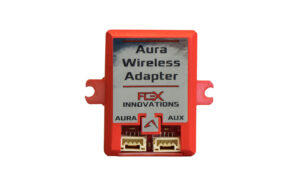
Aura Link Mobile App
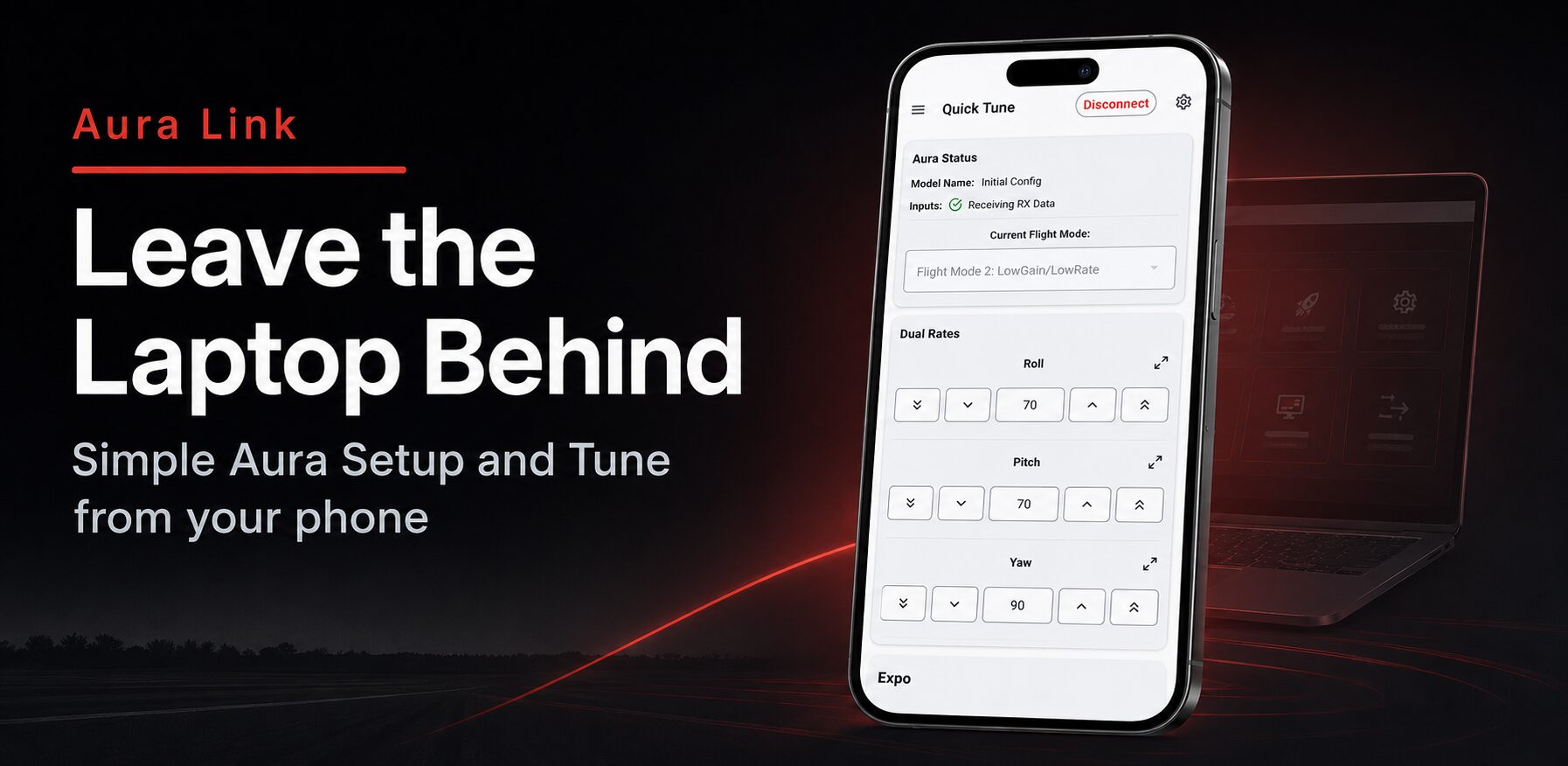
Aura Link App
Aura Link is a mobile companion app for Flex Innovations Aura devices. It is developed in-house by our team to make Aura products easier to access, easier to understand, and easier to tune — whether you are at home, in the workshop, or at the flying field. Designed to make Aura setup, tuning, and support easier than ever, Aura Link puts many of the most important Aura tools directly on your Apple or Android mobile device. Our goal is simple: make it faster and more convenient for pilots to connect to Aura, make adjustments, check settings, and get back to enjoying the experience of flight.
Android
Scan to download Aura Link for Android

iOS
Scan to download Aura Link for iPhone and iPad

The app is designed to connect to compatible Aura devices, read the current setup, display useful live information, allow supported changes, and write those changes back to Aura.
Aura Link App Features
- Dashboard and Connection Tools:
- Quickly connect to Aura, view connection status, and access the main app sections from a mobile-friendly dashboard.
- Quick Tune:
- Fast acess to the adjuments you’re most likely to make at the field.
- Dual Rates & Expo
- 6-Axis Angle Limits
- 3-Axis Gyro Gains
- Servo Output Scale, Travel, Direction, and Subtrims
- Aura Sensor Orientation
- Transmitter and Receiver Setup:
- Tools for reviewing and adjusting transmitter/receiver related setup items.
- Configure your transmitter and reciever type to Aura
- Servo Port Setup:
- A dedicated screen for reviewing and configuring Aura servo outputs.
- Assign ports for different wing types
- Assign ports for different tail types
- Re-Name servo ports
- Set up custom servo port outputs
- Enable custom quick trim behavior
- helps with recommended channel remapping for features such as differential thrust, nose wheel steering, and thrust vectoring.
- Quick Actions:
- Fast access to common Aura actions
- Quick Trim with the press of a button
- Updates
- Update your Aura AFCS.
- Update Aura Firmware
- Update Aura Bootloader
- Monitor
- Live monitor important Aura data while connected.
- Configuration File Library
- Cloud storage for saving your personal Aura configuration files
- Share your personal configuration Aura confguration files
- Dowload Aura Generic configurations, to quickly setup a non-flex aircraft with Aura AFCS
- Generic Sport
- Generic 3D
- Generic Live Wing / STOL
- Generic Jet / EDF
- Full Tune
- For in-depth setup and advanced tuning
- Model Setup
- Model Name
- 6-Axis Calculations
- Auto-Detection On/Off
- Quick-Set On/Off
- Quick-Trim On/Off
- Aileron Differential On/Off
- Sensor Orientation
- Main Sensor Orientation
- Aura Professional Settings
- External Sensor Mode
- External Sensor Failure Logic
- External Sensor Orientation
- Battery Monitoring Logic
- Battery Voltage Threshold Logic
- Failsafe & Safety
- Failsafe Mode
- Channel Failsafe Commands
- Throttle Cut Setup
- Throttle Cut Trigger
- Throttle Cut Threshold
- Throttle Cut Output Value
- Aileron Differential
- Differential Mode & Switch Setup
- Left & Right Differential Rates
- Differential Scaling
- Wing Servo Assignments
- Flight Mode Assignments
- Aura Assist
- Takeoff / Launch Assist Angles
- Takeoff / Launch Assist Gain
- Throttle-to-Pitch Assist
- Roll-to-Pitch Assist
- Flap System
- Flap Source & Switch Setupo
- Flap Position Values
- Elevator Compensation
- Flap Speed
- Live Wing Scaling
- Aura Flap Trim
- Custom Mixes
- Mix Type & Switch Setup
- Master & Slave Channels
- Positive & Negative Mix Rates
- Mix Offset
- Flight Mode Assignment
- Control Modes
- Control Mode Name
- Control Mode Type
- Roll / Pitch / Yaw Control Method
- Rate Gains
- Stick Priority
- Bounceback Gain
- Bounceback Stick Priority
- Angle Gains / commands
- Gain Scaling
- Input & Output Channel Assignments
- Flight Modes
- Flight Mode Name
- Dual Rates & Expos
- 6-Axis Level Assist Roll & Pitch angles
- Primary, Secondary, Tertiary control modes
- Roll, Pitch, Yaw Gains
- Servo Output Tuning
- Servo Travel
- Servo Direction
- Subtrim
- Sero modulation
Aura Link Compatible Devices